Get NoteNext on Android.
Choose your preferred way to install. Free, open source, and built for privacy from the ground up. No accounts, no trackers, no cloud-syncing until you say so.
- v1.4.4 (Stable)
- Released 2026-06-07
- Android 8.0+ required
- ~25 MB install size
Free & Open
MIT Licensed
Native App
Jetpack Compose
Sideloading the APK
If you grabbed the APK from GitHub, here's how to install it:
- 1 Open the downloaded
notenext-1.4.4.apkfile in your file manager. - 2 If prompted, enable "Install unknown apps" for your file manager or browser. (Settings → Apps → Special access)
- 3 Tap Install. Android may show a Play Protect warning since the APK isn't from the Play Store — tap Install anyway.
- 4 Open NoteNext and start writing. No signup, no permissions you didn't ask for.
System requirements
- · Android 8.0 (Oreo) or later
- · ~25 MB install size
- · Biometric hardware (optional)
Build from source
Prefer to compile yourself? The repo has a complete Android Studio project.
View on GitHub →Screenshots
See NoteNext in motion.
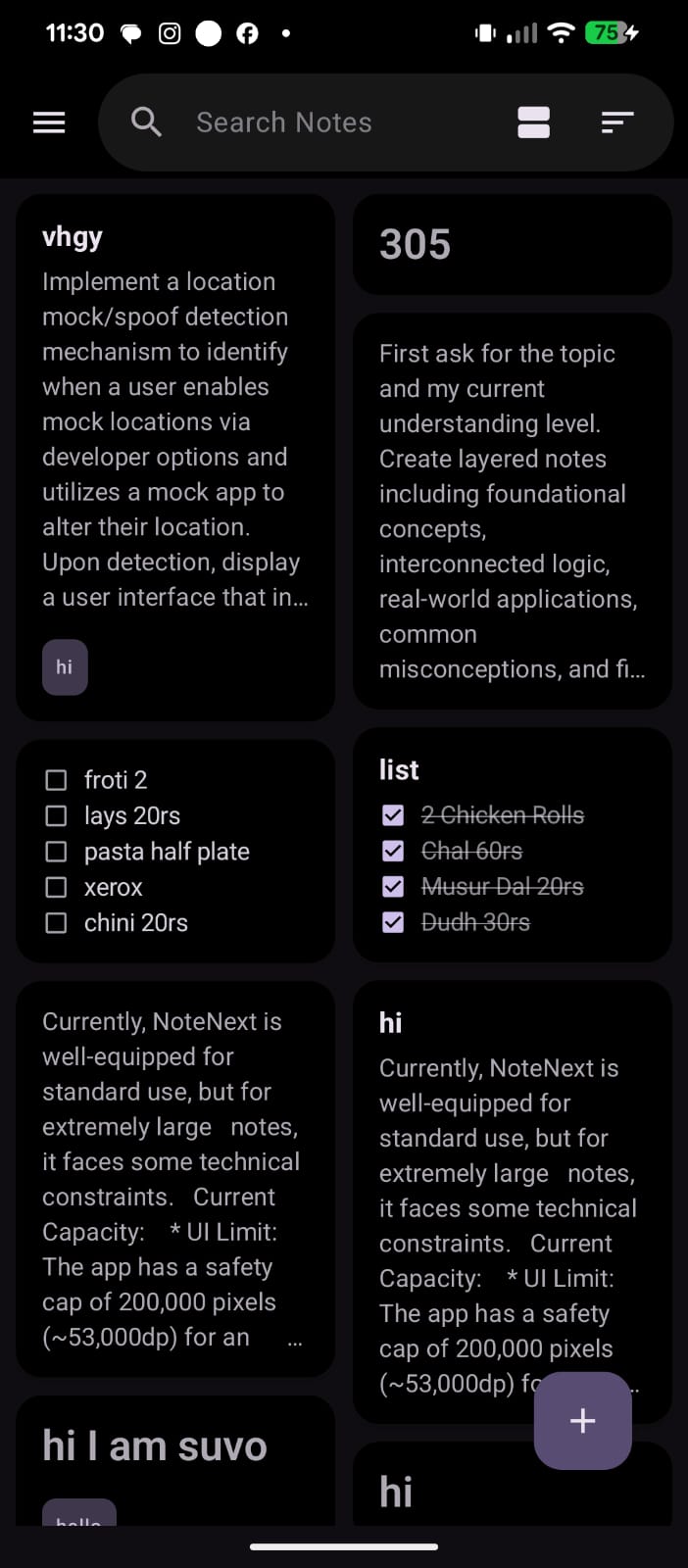
Material 3 Expressive design across every surface — from the notes grid to the privacy controls.
-
A grid that scales from 5 notes to 5,000.
-
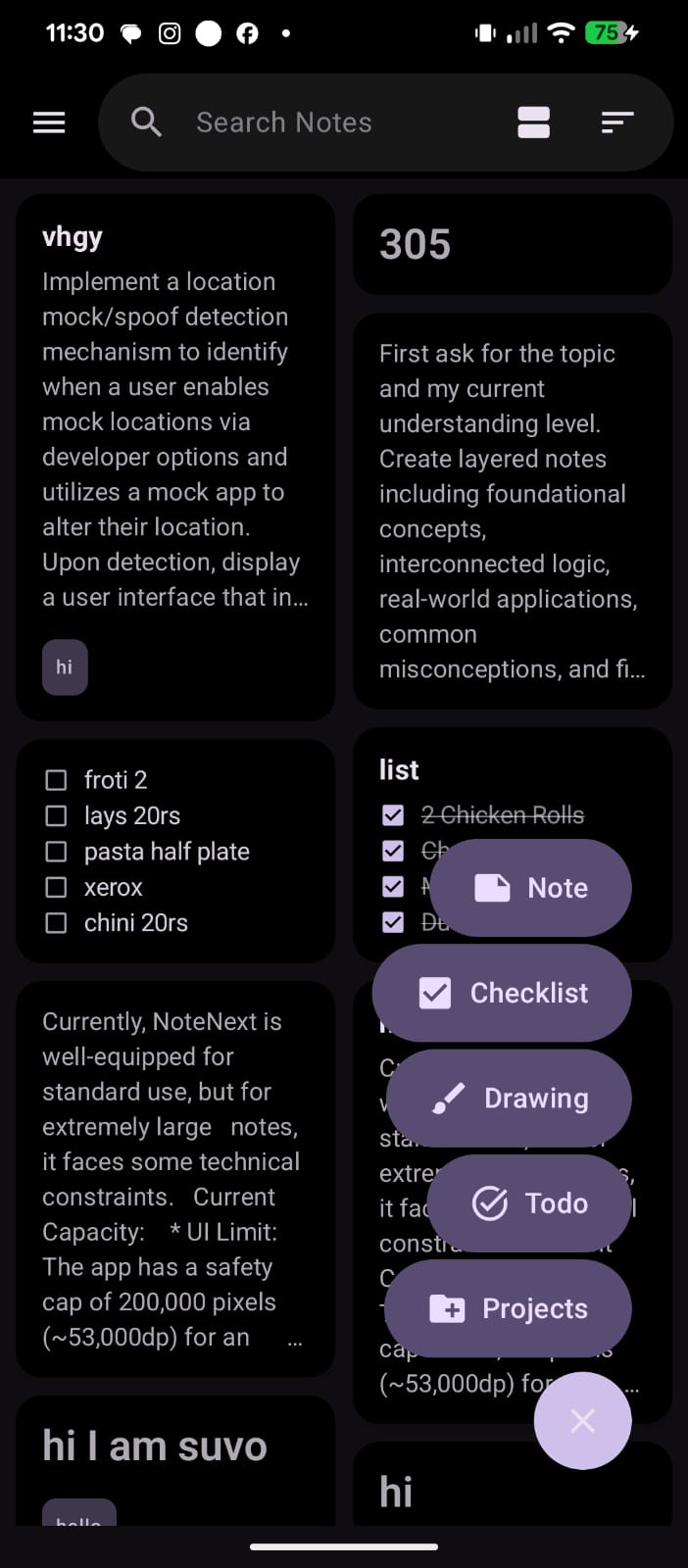
One tap. Five ways to capture.
-
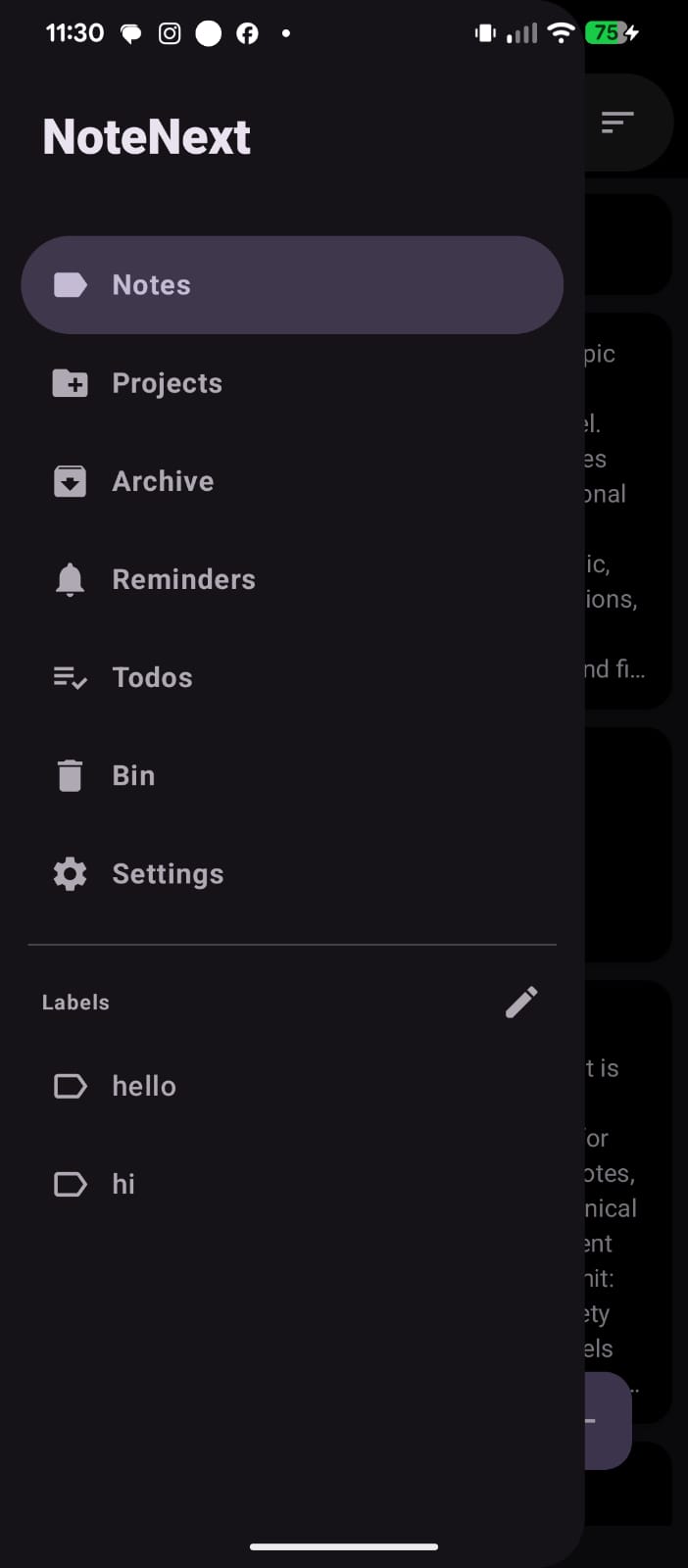
Everything where you expect it.
-
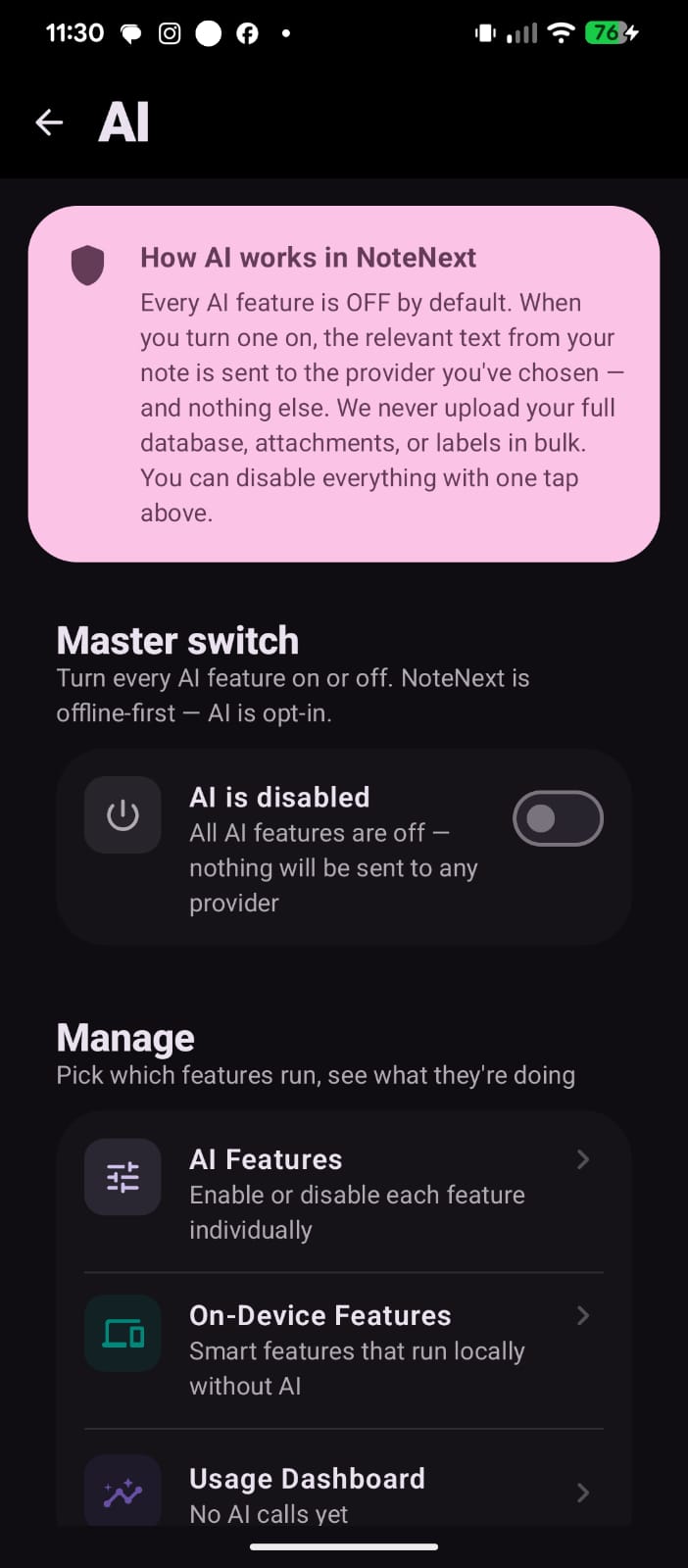
AI is opt-in. Off by default.
-
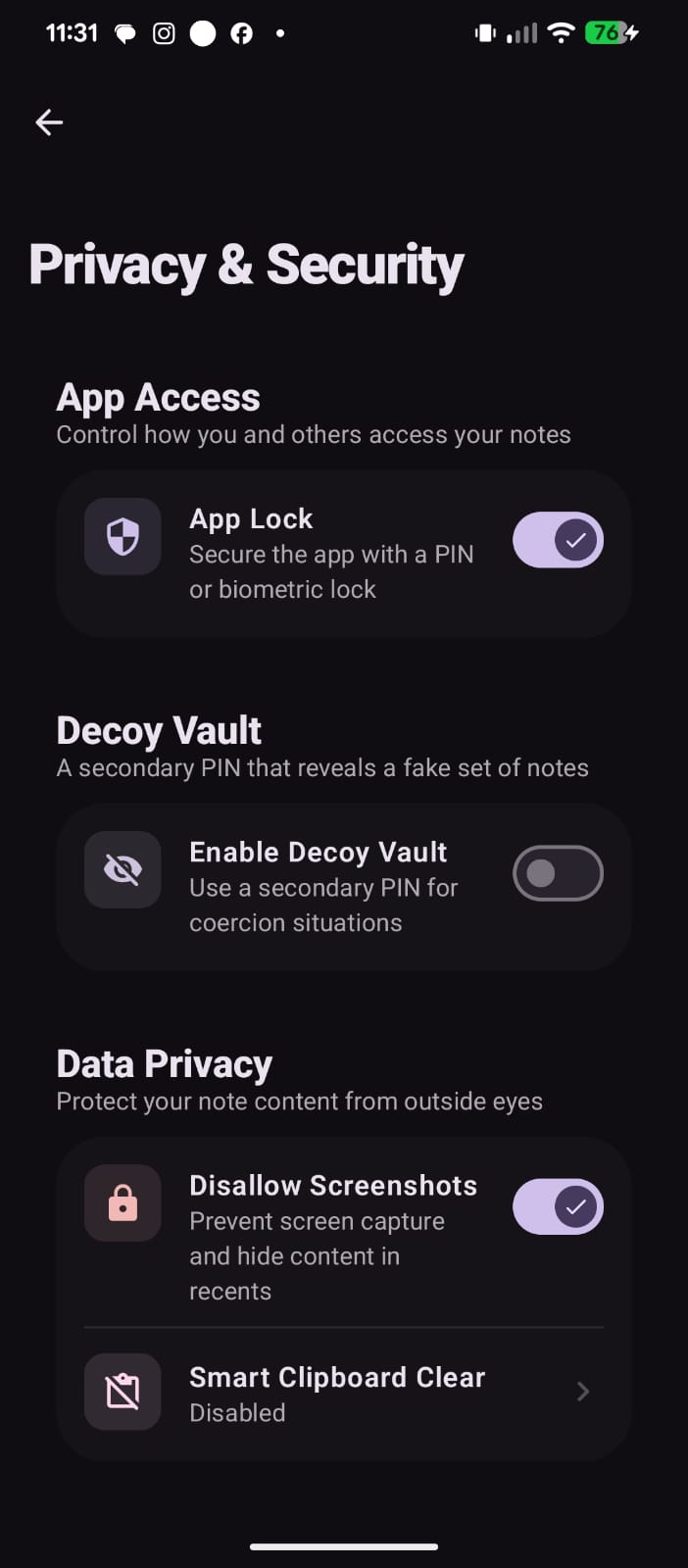
Privacy is a top-level setting.
-
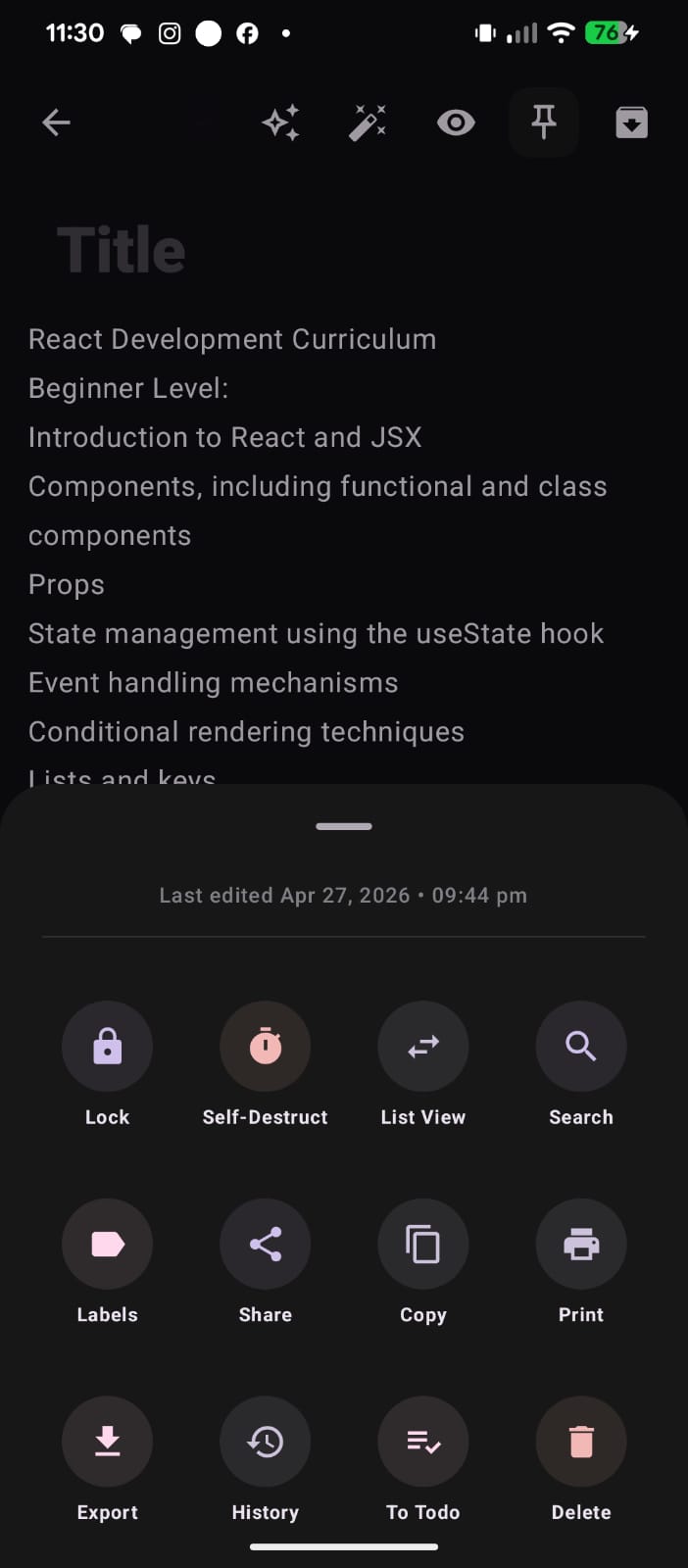
A clean, intuitive interface for managing your notes.
Try NoteNext today.
Free. No signup. No tracking. Just open the app and start writing.