Local-first storage
Notes live on your device. No accounts, no servers, no telemetry. The internet permission only fetches link previews.
NoteNext is a premium, privacy-first note-taking app for Android. Local-first storage, biometric vault, AES-256 encrypted backups, and optional AI assistance — without selling your data.
Decoy Vault
Plausible deniability
AES-256
Encrypted backups
Why NoteNext
Every detail is engineered for speed, privacy, and a tactile feel — from spring-physics animations to hardware-bound encryption.
Notes live on your device. No accounts, no servers, no telemetry. The internet permission only fetches link previews.
Lock the app with fingerprint, face unlock, or a PBKDF2-hashed PIN. Even we can't recover it.
A secondary PIN reveals a separate, innocent set of notes. Biometric auto-hides for plausible deniability.
Set ephemeral notes to vanish at exact times via on-device system alarms. Nothing sent externally.
Optional AES-256 backups to your personal Drive, scoped to app-only files. We never see them.
Summarize and grammar-fix notes with Groq, OpenAI, Claude, or Gemini — only when you tap.
Spring-physics motion, dynamic shapes, Roboto Flex typography. The newest M3 design language, polished.
Auto-save, full-text search, rich text, checklists, link previews. Built native with Jetpack Compose.
Screenshots
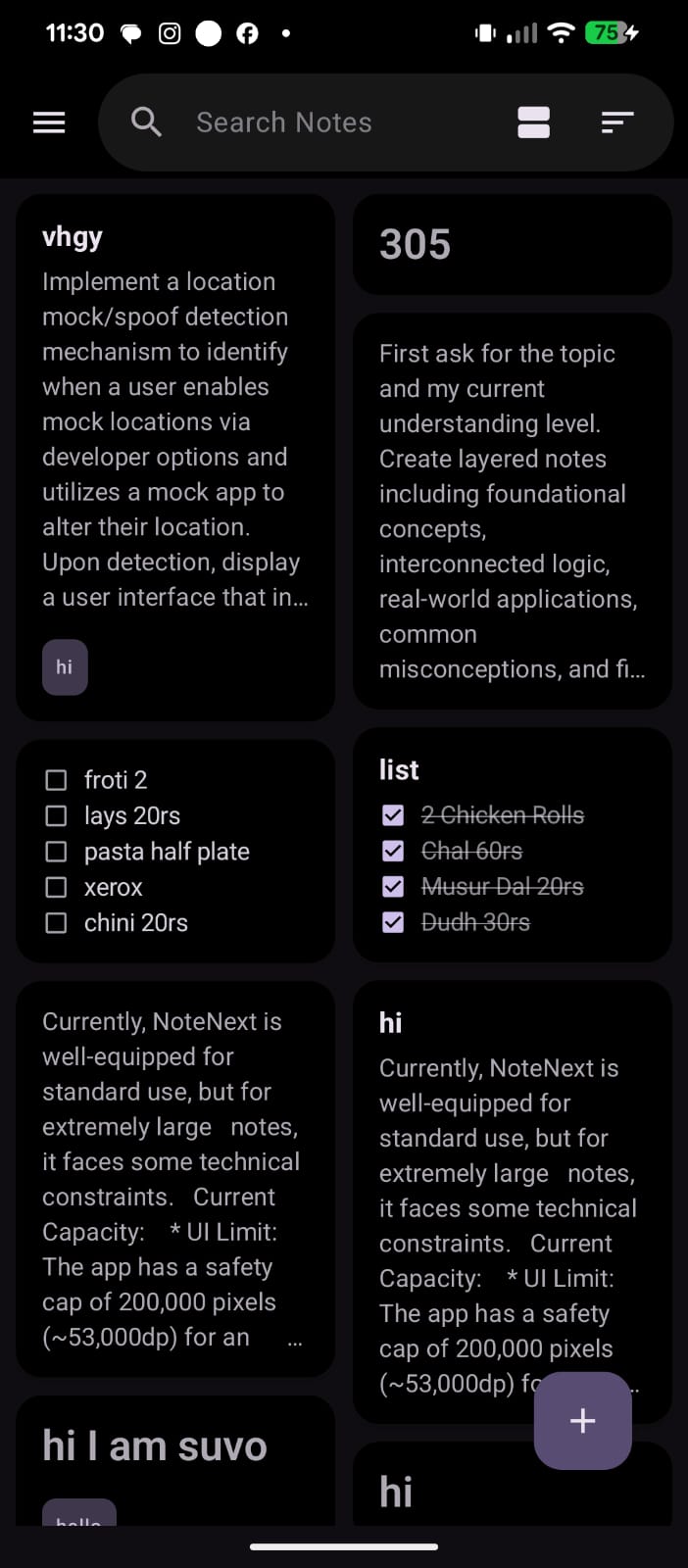
Material 3 Expressive design across every surface — from the notes grid to the privacy controls.
A grid that scales from 5 notes to 5,000.
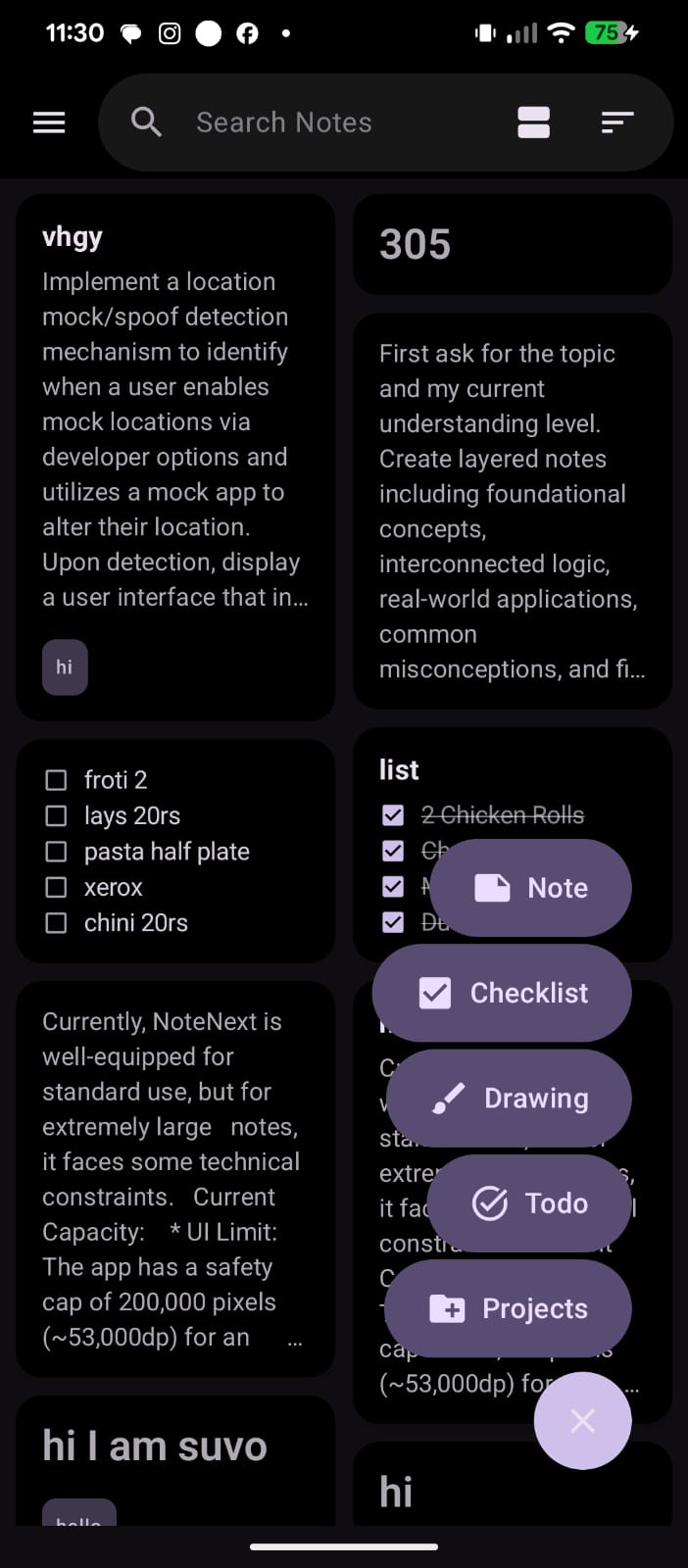
One tap. Five ways to capture.
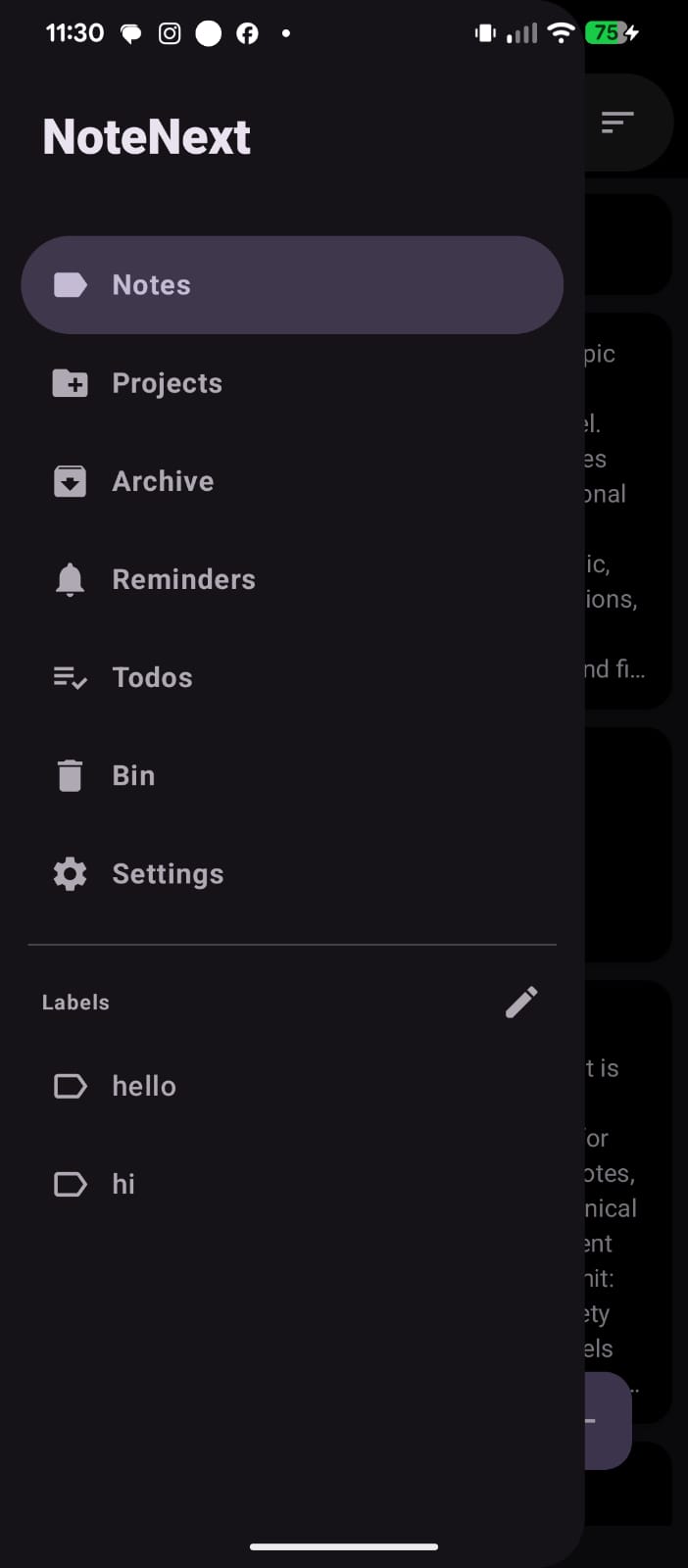
Everything where you expect it.
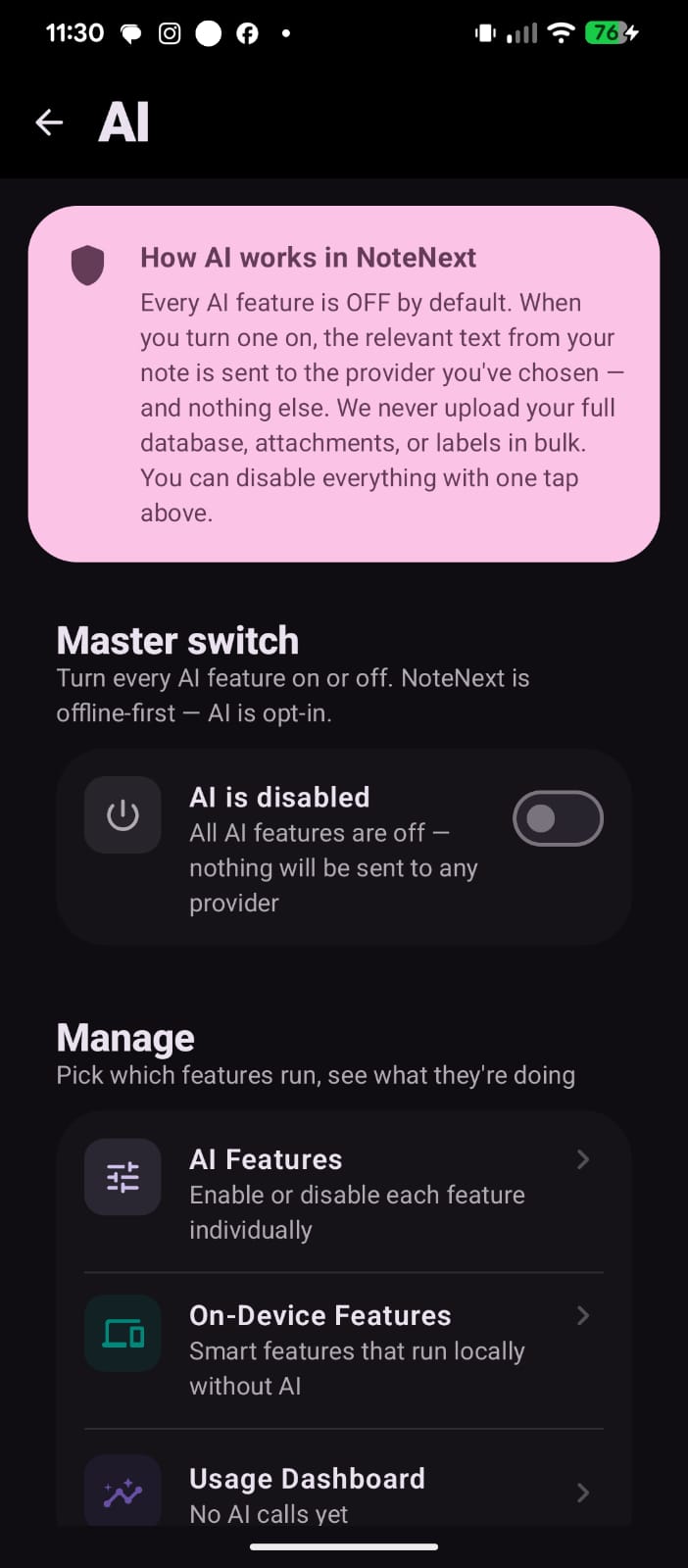
AI is opt-in. Off by default.
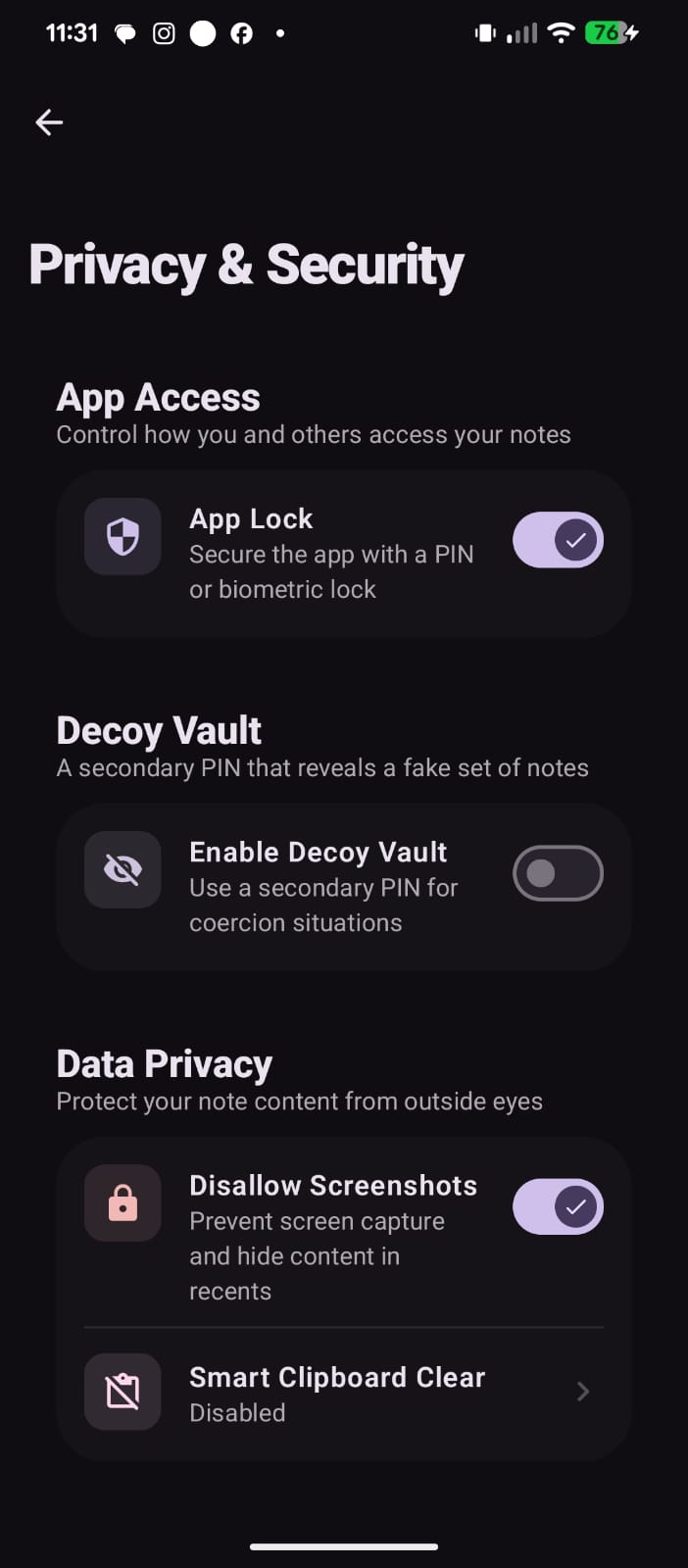
Privacy is a top-level setting.
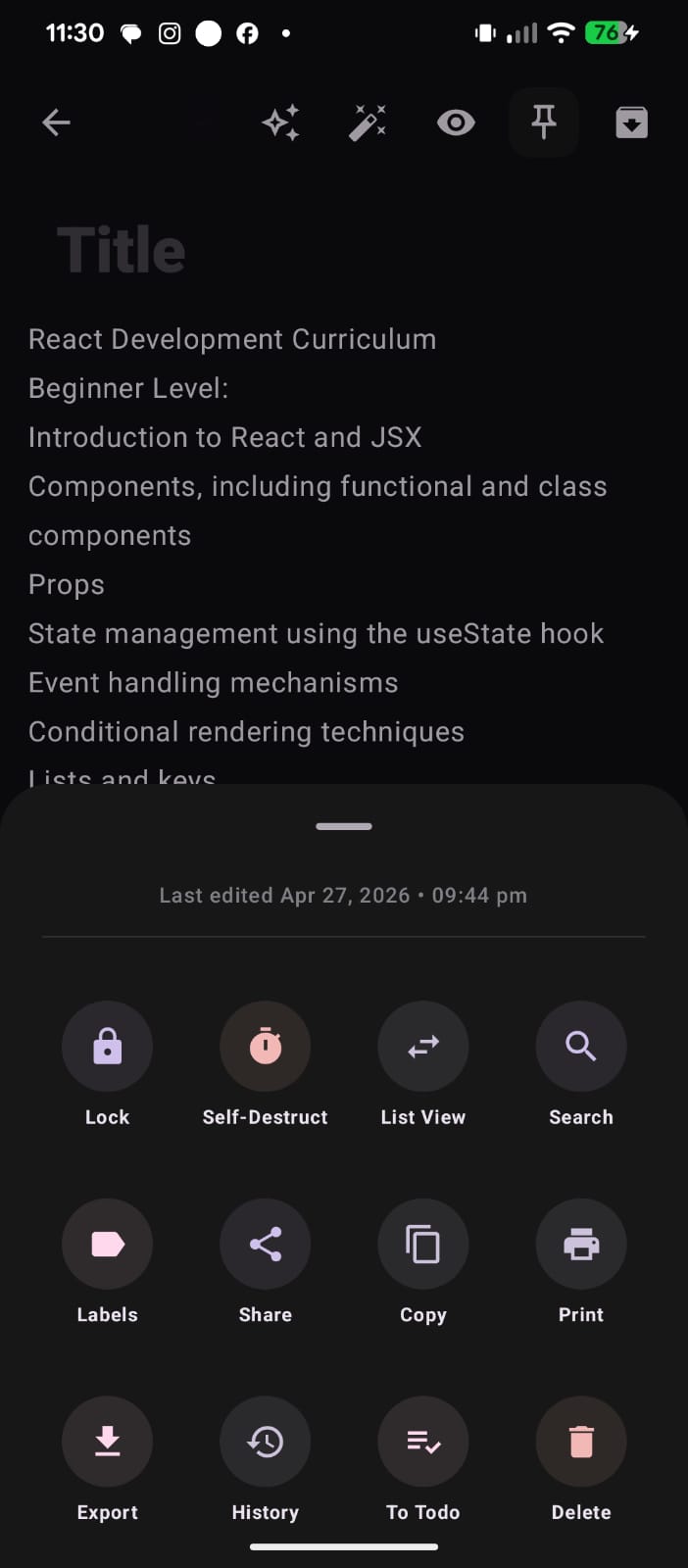
A clean, intuitive interface for managing your notes.
Privacy
Most note apps mine your thoughts to feed ad networks or train models. NoteNext does none of that. There is no signup, no cloud account, no analytics SDK, no behavioral tracking, no third-party servers in the loop.
AES-256
Backup encryption
PBKDF2
PIN hashing
0
Trackers
100%
Open source
Free. No signup. No tracking. Just open the app and start writing.